










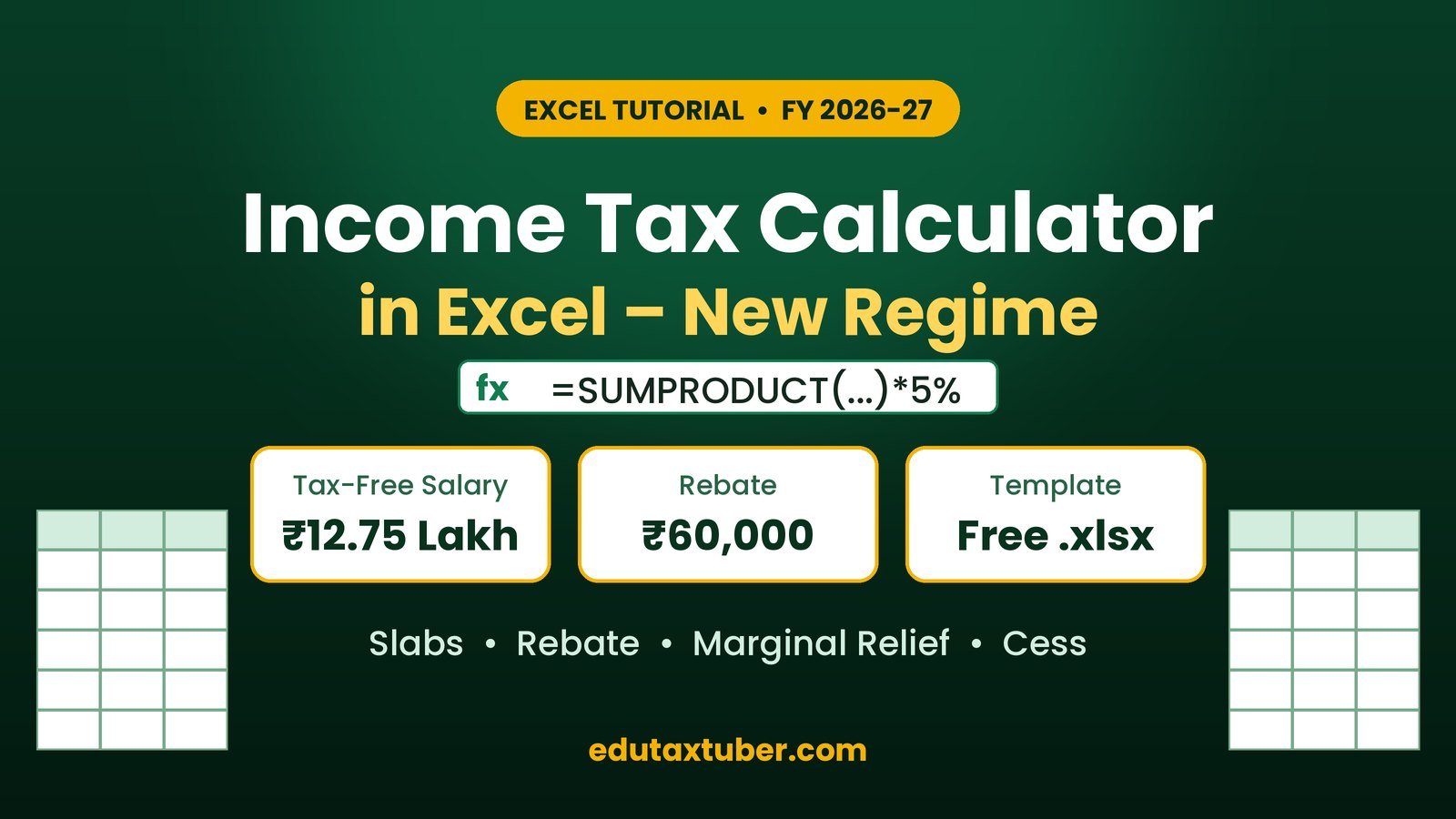
Income Tax Calculator in Excel for FY 2026-27 (New Regime): One SUMPRODUCT Formula + Free Template
Summary
- Build a new-regime income tax calculator for FY 2026-27 in Excel in about 10 minutes.
- One
SUMPRODUCTformula calculates slab tax for any income. - Separate rows handle the ₹75,000 standard deduction, the ₹60,000 rebate, marginal relief and 4% cess.
- Checked against worked examples: ₹15 lakh salary → ₹97,500 tax; ₹12.75 lakh → nil.
- Free downloadable template included.
An income tax calculator in Excel helps you check your TDS, compare offers and plan your salary structure without waiting for an online tool. In this guide we build a new tax regime calculator FY 2026-27 step by step. You will learn the one Excel formula for income tax that handles every slab (a SUMPRODUCT income tax formula), and how to add the rebate, marginal relief and cess so your income tax calculation in Excel matches the official result.
New tax regime slabs for FY 2026-27
The Income-tax Act, 2025 came into force on 1 April 2026, and the new regime now sits in Section 202. The slabs, ₹75,000 standard deduction and ₹60,000 rebate carried over unchanged from FY 2025-26.
| Total income | Tax rate |
|---|---|
| Up to ₹4,00,000 | Nil |
| ₹4,00,001 – ₹8,00,000 | 5% |
| ₹8,00,001 – ₹12,00,000 | 10% |
| ₹12,00,001 – ₹16,00,000 | 15% |
| ₹16,00,001 – ₹20,00,000 | 20% |
| ₹20,00,001 – ₹24,00,000 | 25% |
| Above ₹24,00,000 | 30% |
- Standard deduction: ₹75,000 for salaried employees and pensioners.
- Rebate: tax up to ₹60,000 is fully waived if total income does not exceed ₹12,00,000.
- Cess: 4% health and education cess on the tax.
Step 1: Set up the input cells
Open a new sheet and type these labels in column A. Keep the yellow cells in column B for your own figures.
| Cell | Label | Example value |
|---|---|---|
| B4 | Gross salary / pension | 15,00,000 |
| B5 | Other income | 0 |
| B6 | Salaried or pensioner? (Yes/No) | Yes |
| B7 | Employer’s NPS contribution | 0 |
Tip: select B6, go to Data → Data Validation → List and type Yes,No so nobody types a wrong value.
Step 2: Standard deduction and taxable income
B9:  =IF(B6="Yes",MIN(75000,B4),0)
B10: =MAX(0,B4+B5-B9-B7)
B9 gives the standard deduction only to salaried people and pensioners, and never more than the salary itself. B10 is your total (taxable) income.
Step 3: One formula for all the slabs
Most tutorials use a long nested IF formula. There is a neater way. Under the new regime, the rate goes up by exactly 5% at every slab: 5%, 10%, 15%, 20%, 25%, 30%. So tax equals 5% of the income above each slab’s starting point, added together.
Put the slab starting points in D5:D10: 400000, 800000, 1200000, 1600000, 2000000, 2400000. Then:
B11: =SUMPRODUCT((B10>D5:D10)*(B10-D5:D10)*0.05)How the formula works
(B10>D5:D10)returns 1 for every slab your income has crossed and 0 for the rest.(B10-D5:D10)is how far your income is above each slab’s starting point.- Multiplying by 0.05 and adding everything up with
SUMPRODUCTgives the total slab tax.
For a taxable income of ₹14,25,000: 5% × (14,25,000 − 4,00,000) + 5% × (14,25,000 − 8,00,000) + 5% × (14,25,000 − 12,00,000) = ₹51,250 + ₹31,250 + ₹11,250 = ₹93,750. That is exactly the slab-by-slab answer: ₹20,000 + ₹40,000 + ₹33,750.
Step 4: Rebate and marginal relief
B12: =IF(B10<=1200000,MIN(B11,60000),0)
B13: =IF(AND(B10>1200000,B11>B10-1200000),B11-(B10-1200000),0)
B14: =MAX(0,B11-B12-B13)- B12, rebate: if total income is ₹12 lakh or less, tax up to ₹60,000 is waived, so tax becomes nil.
- B13, marginal relief: if income is just above ₹12 lakh, your tax cannot be more than the amount by which your income exceeds ₹12 lakh. Without this, earning ₹10,000 more could cost you ₹61,500 in tax.
- B14: tax after rebate and relief.
Step 5: Cess and final tax
B15: =ROUND(B14*4%,0)
B16: =ROUND(B14+B15,-1)
B17: =ROUND(B16/12,0)
B16 is your total tax, rounded to the nearest ₹10 as the law requires. B17 shows roughly how much TDS your employer should deduct each month.
Worked examples (salaried, no other income)
| Gross salary | Taxable income | Slab tax | Rebate / relief | Cess | Total tax |
|---|---|---|---|---|---|
| ₹8,00,000 | ₹7,25,000 | ₹16,250 | ₹16,250 rebate | ₹0 | Nil |
| ₹12,75,000 | ₹12,00,000 | ₹60,000 | ₹60,000 rebate | ₹0 | Nil |
| ₹12,85,000 | ₹12,10,000 | ₹61,500 | ₹51,500 relief | ₹400 | ₹10,400 |
| ₹15,00,000 | ₹14,25,000 | ₹93,750 | — | ₹3,750 | ₹97,500 |
| ₹25,00,000 | ₹24,25,000 | ₹3,07,500 | — | ₹12,300 | ₹3,19,800 |
If your sheet gives these numbers, your calculator is correct.
Common mistakes to avoid
- Typing slab limits inside the formula in some cells and in a table in others. Keep them in one table so you change them in one place next year.
- Forgetting marginal relief. Incomes between ₹12 lakh and about ₹12.7 lakh will show too much tax.
- Applying the rebate to capital gains on shares. The rebate does not cover income taxed at special rates.
- Ignoring surcharge. This sheet is for incomes up to ₹50 lakh; above that, surcharge applies.
Read also
- Free online income tax calculator (old vs new regime)
- XLOOKUP in Excel: 3 Powerful Tricks for Multiple Columns
- ChatGPT in Excel: 5 Powerful AI Tricks to Save Time
- Form 131 TDS Certificate: How to Download
Frequently asked questions
Is income up to ₹12 lakh tax-free in FY 2026-27?
Yes, under the new regime. Tax on income up to ₹12 lakh is covered by the ₹60,000 rebate. For salaried people, adding the ₹75,000 standard deduction means a salary of up to ₹12.75 lakh pays no tax.
Can I use this sheet for the old tax regime?
No. The old regime has different slabs and allows deductions such as 80C and HRA. Use our online calculator to compare both regimes.
Does the SUMPRODUCT formula work in Google Sheets?
Yes. The same formula works in Google Sheets without any change.
Why round the final tax to the nearest ₹10?
Income tax law requires the tax payable to be rounded off to the nearest multiple of ₹10.
Sources: Income-tax Act, 2025 (Section 202, new tax regime); Finance Act, 2025 slab rates continued for FY 2026-27; Income Tax Department e-filing portal (incometax.gov.in).
Disclaimer: This calculator is for estimation only and covers resident individuals below 60 with income up to ₹50 lakh. Verify your tax on the official Income Tax Department portal or with a tax professional.