









How to Calculate Loan EMI in Excel: PMT Formula, Schedule and Prepayment
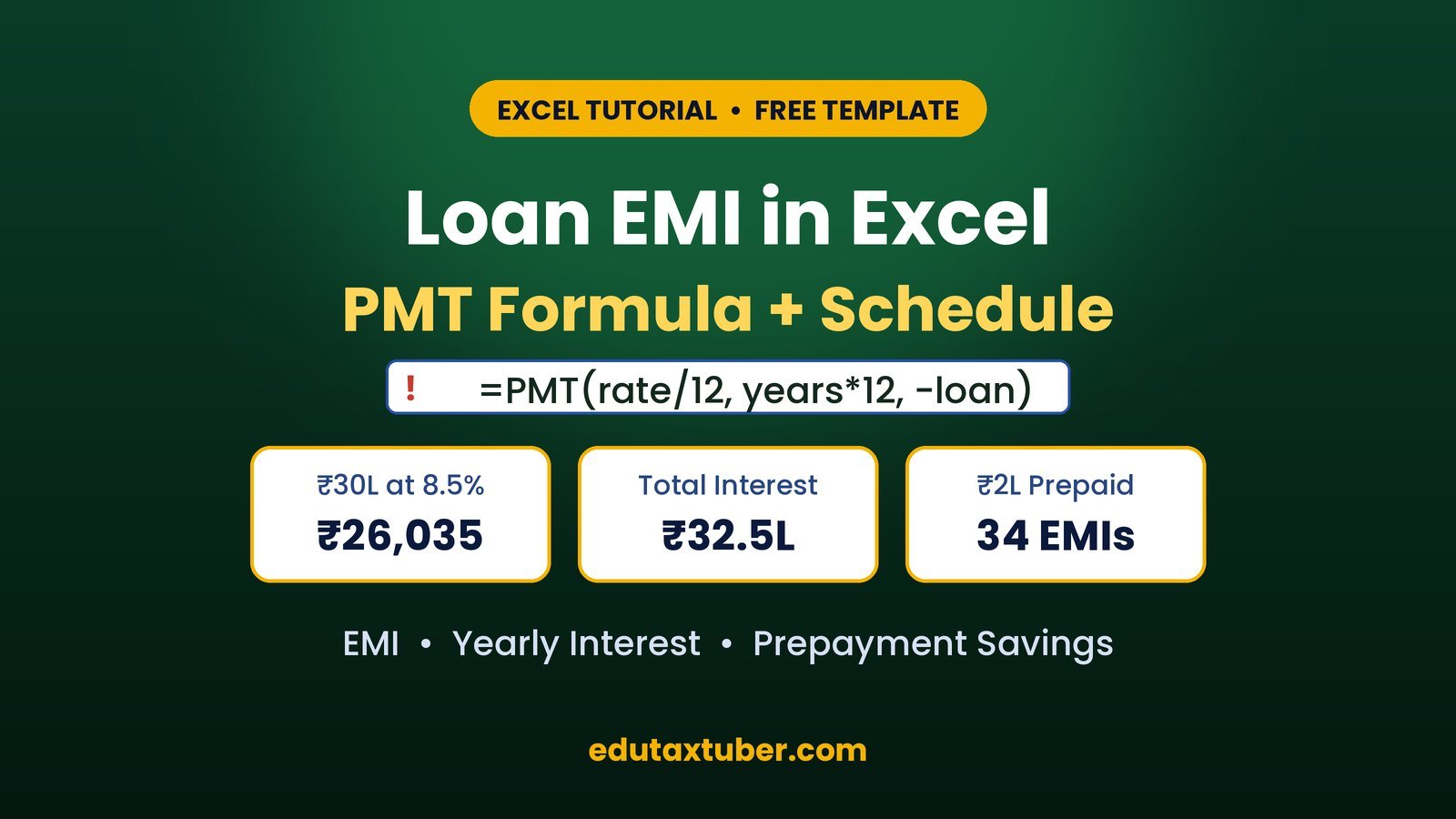
Excel can work out your loan EMI with a single formula: =PMT(rate/12, years*12, -loan). For a ₹30 lakh home loan at 8.5% for 20 years, that’s ₹26,035 a month. Below is how to build the formula, a full repayment schedule and a prepayment check, with a free template at the end. For more money guides, see our money section.
What you’ll learn
- The PMT formula for EMI, and the three mistakes that give a wrong answer
- How to build a month-by-month repayment schedule
- How much interest you pay in a year, using CUMIPMT
- What a prepayment really saves, using NPER
How do you calculate EMI with the PMT formula?
Put your inputs in separate cells so you can change them later:
| Cell | What it holds | Example |
|---|---|---|
| B4 | Loan amount | 30,00,000 |
| B5 | Annual interest rate | 8.5% |
| B6 | Tenure in years | 20 |
Then in the EMI cell, type:
=PMT(B5/12, B6*12, -B4)The answer is ₹26,035. Three things trip people up:
- Monthly rate, not annual. Divide the rate by 12. Using 8.5% as-is gives a huge, wrong EMI.
- Months, not years. Multiply the tenure by 12.
- The minus sign. PMT treats money you receive and money you pay as opposite signs. Putting a minus before the loan amount makes the EMI show as a positive number.
Total paid over the loan is =EMI*B6*12, which comes to ₹62.48 lakh. Take away the ₹30 lakh borrowed and the interest is ₹32.48 lakh, more than the loan itself. That number tends to change how people think about prepaying.
How do you build a repayment schedule?
Make six columns: Month, Opening balance, EMI, Interest, Principal and Closing balance. In row 1, the opening balance is the loan amount. After that, each row follows the same four formulas:
Interest        = Opening balance * B5/12
Principal       = EMI - Interest
Closing balance = Opening balance - Principal
Next opening    = previous row's Closing balance
Drag the row down for all 240 months and the closing balance hits zero in the last row. That’s your check that everything is right. In month 1, ₹21,250 of the EMI is interest and only ₹4,785 reduces the loan. By the last month it’s almost all principal.
Also read: Income tax calculator in Excel for FY 2026-27, with one SUMPRODUCT formula
How much interest do you pay in a year?
Useful for planning, and for the interest certificate your bank sends. CUMIPMT adds up the interest between any two months:
=-CUMIPMT(B5/12, B6*12, B4, 1, 12, 0)For months 1 to 12 that’s ₹2,52,709. For year 2, change the months to 13 and 24. The minus sign is there for the same reason as in PMT.
What does a prepayment actually save?
Say you prepay ₹2 lakh after 12 months and keep paying the same EMI. First find the balance after the prepayment:
=-FV(B5/12, 12, -EMI, B4) - 200000That’s ₹27,40,293. Then NPER tells you how many months are left at the same EMI:
=NPER(B5/12, -EMI, new_balance)About 194 months, against 228 without the prepayment. So ₹2 lakh paid early cuts roughly 34 EMIs and saves about ₹6.9 lakh in interest. Early prepayments do the most, because that’s when most of each EMI is interest. If your bank lets you choose, keeping the EMI and cutting the tenure saves more than lowering the EMI.
Free download
Loan EMI calculator in Excel (.xlsx)
Enter your loan amount, rate, tenure and prepayment in the yellow cells. It calculates the EMI, total interest, year-1 interest, months and interest saved, and a full schedule for up to 30 years. No macros.
Quick answers
What is the formula for EMI in Excel?
=PMT(annual rate/12, years*12, -loan amount). It works the same in Google Sheets.
Why does my EMI show as a negative number?
Because PMT returns payments as negative. Put a minus sign before the loan amount, or before PMT.
Will my bank’s EMI match Excel exactly?
Usually within a few rupees. Small differences come from rounding and how the bank counts days in the first month.
Related guides
Sources
- Microsoft Support: PMT function
- Microsoft Support: CUMIPMT, FV and NPER functions
Disclaimer: This tutorial and template are for general information and learning. The loan figures are examples; your bank’s EMI, rate and prepayment terms may differ. Full disclaimer